Your voice and screen, as text.
Dictation and screen text recognition that run entirely on your Mac.
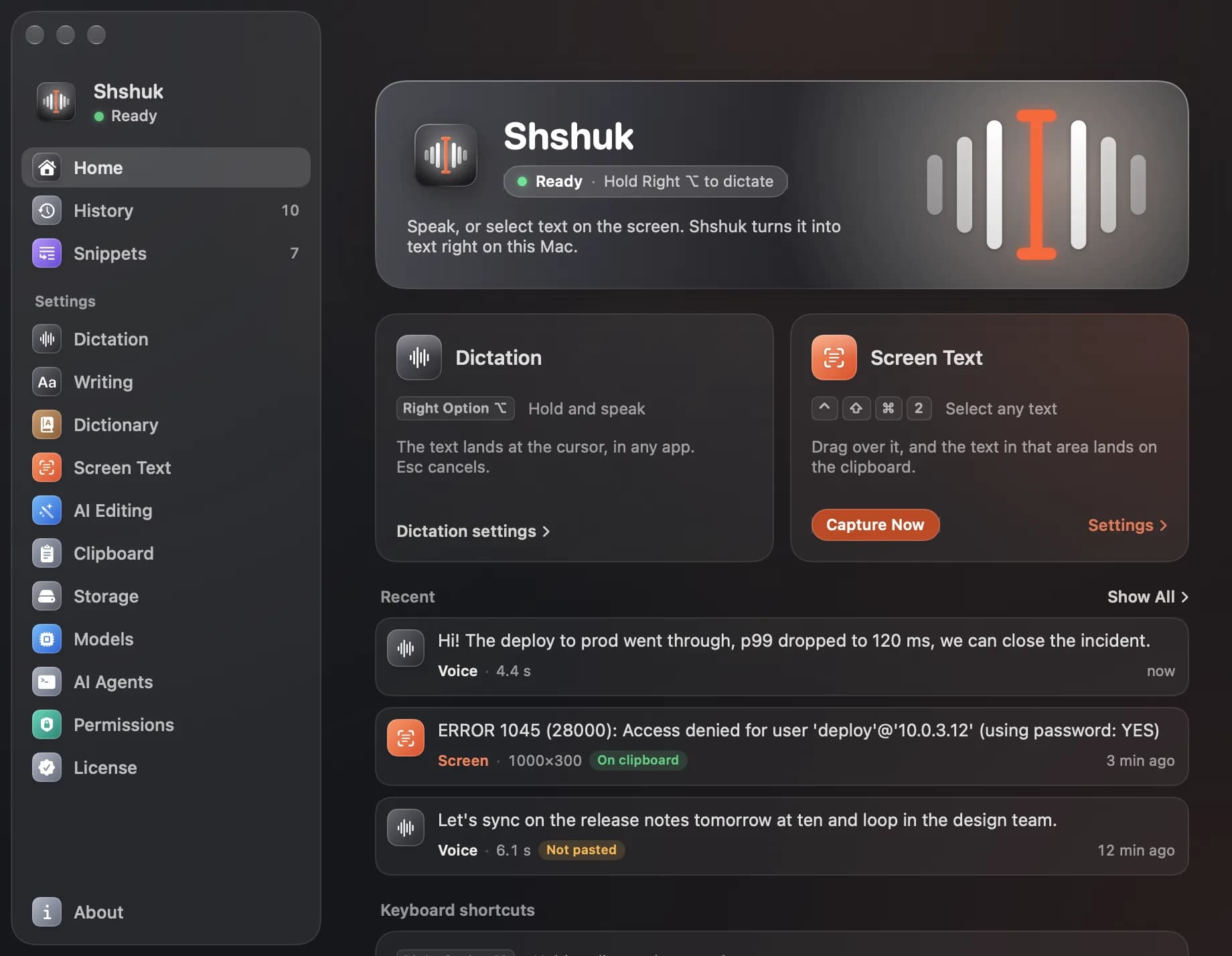

Two shortcuts, in every app.
Dictation
Hold the key, speak, let go. The text lands at the cursor in any app, and the pill shows the words while you talk. Esc cancels.
⌥Right Option, or any key you record
Screen text
Drag over text you cannot select: a chat, an error dialog, a video frame, code in a screenshot, a table. It is on the clipboard about a second later.
⌃⇧⌘2Plain text, Markdown, code or TSV
Speak the languages you work in.
Dictation knows about 99 languages: a fast model covers 25 European ones, Whisper covers the rest, and Armenian has a model of its own. Each runs on Apple's own runtimes, on the Neural Engine and GPU.
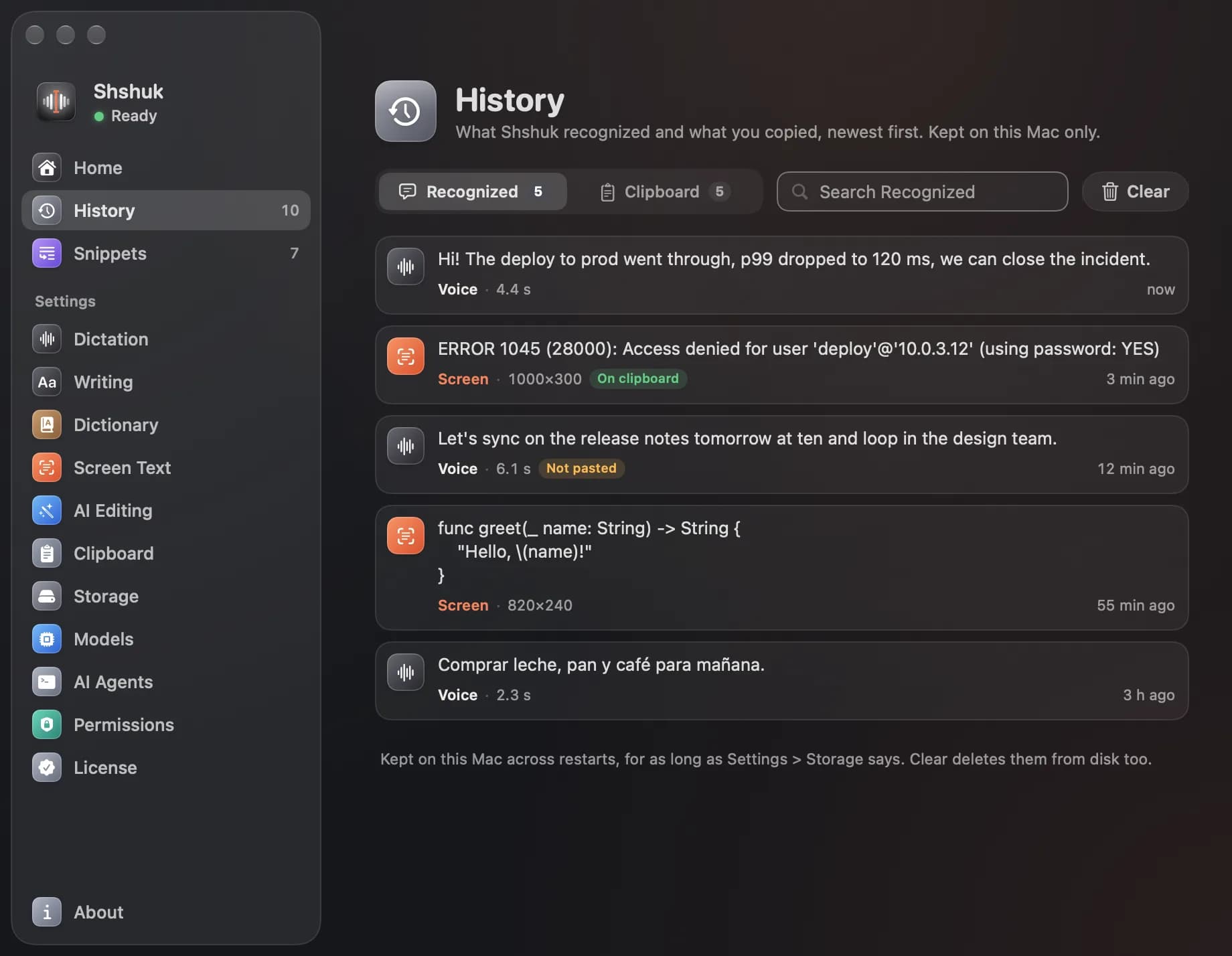
And the small things you reach for daily.
- Menu bar history
- Recent dictations, screen text and copies in one panel by the clock. Search them, then copy or paste any again.
- Snippets
- Press ⌘B in any app to pick a saved reply, signature or code block, or type its keyword and it expands.
- Writing styles
- Standard, Message or Technical, rules per app, your own words and exact replacements.
- AI edit, opt-in
- ⌃⇧⌘E fixes, rephrases or translates a field with DeepSeek and your own key. Off until you add one.
- Command line and MCP
- The shshuk command and an MCP server give scripts and AI agents the same local recognition.
What you say and see stays on your Mac.
- What you say and see
- Audio, screenshots, transcripts and recognized text are processed on your Mac and never uploaded. Screenshots live in memory and are discarded after recognition.
- Models
- Downloaded once from pinned Hugging Face revisions and checked by SHA-256 before they load.
- The one exception
- AI edit sends only the text you choose, when you press its shortcut, to DeepSeek with your own key. Never from password fields.
- License check
- Your license key, a hashed device identifier, a device name you can edit (the Mac's model by default) and the app version. Nothing you said or saw, and no analytics.
What it needs.
- Mac
- Any Mac with Apple silicon. Intel Macs are not supported.
- macOS
- macOS 27 or later.
- Disk
- Room for the models you choose. The screen text model is 3.1 GB; speech models download separately.
- Permissions
- Microphone, Device Control and Data Access, and Screen Recording, which is asked only when you first use screen text.
$7.99 a month
Or $59 a year. Try every feature free for 7 days in the app first, no card needed.